

Virtual simulation tools are essential for nursing students preparing for the Next Generation NCLEX (NGN). They provide realistic clinical scenarios to build critical thinking and clinical judgment skills in a safe, controlled environment. Here’s a quick overview of the top tools:
- vSim for Nursing: Customizable scenarios with immediate feedback, aligned with the NCSBN Clinical Judgment Model.
- i-Human Patients: Interactive patient cases focusing on data assessment and evidence-based decisions.
- UbiSim Virtual Reality: Immersive VR scenarios for hands-on learning and decision-making under pressure.
- Nurse Cram: Affordable platform combining NGN-style questions, readiness exams, and scenario-based exercises.
- Shadow Health: Dynamic, evolving patient scenarios with detailed feedback and progress tracking.
- Kaplan NCLEX-RN Review: Focus on NGN-style questions with performance analytics and customizable content.
- Elsevier Evolve: Interactive cases with branching outcomes and robust educator tools for customization.
Quick Comparison
| Tool Name | NGN Alignment | Key Features | Customization Options |
|---|---|---|---|
| vSim for Nursing | High | Evidence-based scenarios, instant feedback | Moderate |
| i-Human Patients | High | Extensive case library, diagnostic focus | Limited |
| UbiSim VR | High | Immersive VR scenarios, pressure-based tasks | High |
| Nurse Cram | High | Scenario-based exercises, readiness exams | Moderate |
| Shadow Health | High | Evolving scenarios, diverse patient cases | High |
| Kaplan NCLEX-RN | High | Branching decision paths, analytics | Limited |
| Elsevier Evolve | High | Dynamic cases, NGN-specific questions | High |
These tools help bridge the gap between theory and practice, offering NGN-aligned features to prepare students for both the exam and clinical challenges. Choose based on your learning needs, whether it’s immersive VR, detailed analytics, or affordability.
1. vSim for Nursing
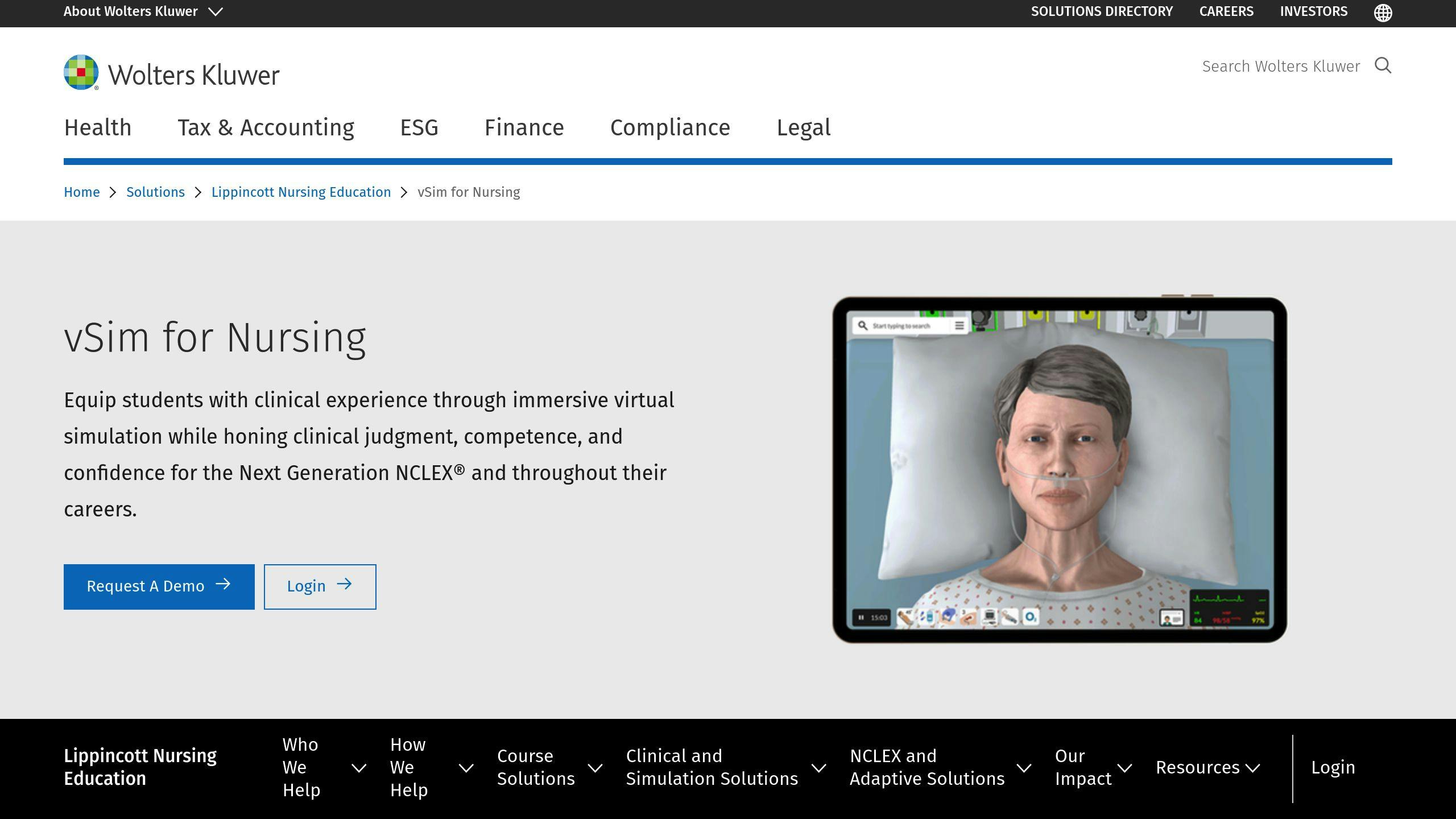
vSim for Nursing, created by Laerdal Medical and Wolters Kluwer, offers scenarios designed to match the NGN exam format. Developed in partnership with the National League for Nursing, these scenarios reflect real clinical situations, helping students sharpen their critical thinking and decision-making skills [1].
Here’s what makes vSim stand out:
- Scenarios designed to hone clinical judgment by teaching students to recognize cues, prioritize care, and come up with solutions.
- Built-in tools that provide immediate feedback and help students improve on the spot.
- The ability to customize scenarios to fit specific curriculum needs [1].
vSim incorporates the NCSBN Clinical Judgment Model into its scenarios, focusing on the reasoning skills tested in the NGN exam. The platform provides detailed feedback and explanations, helping students close learning gaps. Educators can also use its debriefing tools to monitor progress and guide instruction [1].
Students work through a variety of patient scenarios, building skills in critical thinking, evidence-based decisions, and NGN-style questions – all in a safe, simulated environment. As part of a broader NGN prep plan, vSim’s focused simulations pair well with other study tools.
While vSim emphasizes customizable and evidence-based simulations, the next tool takes a different approach with its interactive patient cases.
2. i-Human Patients by Kaplan
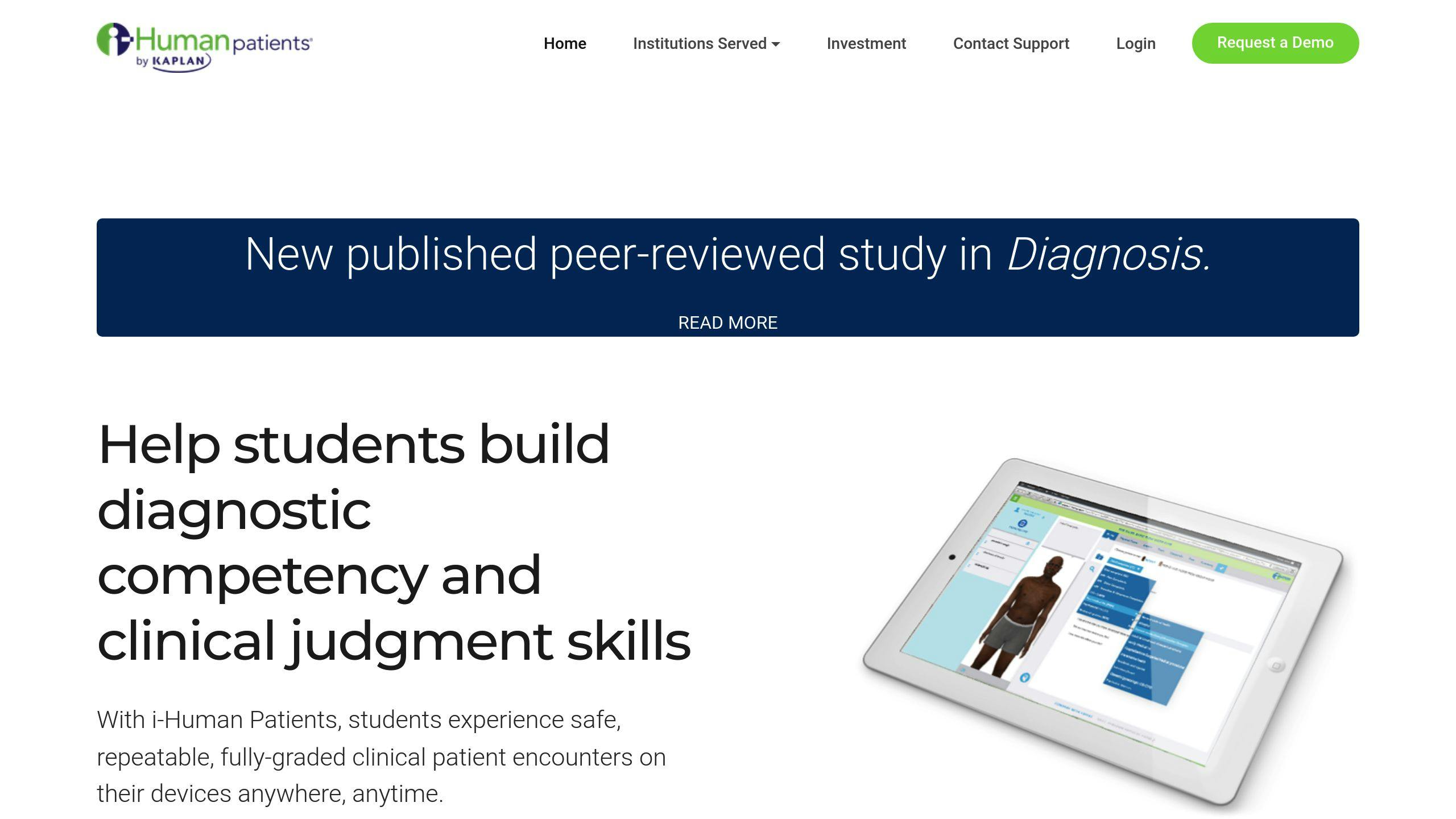
i-Human Patients by Kaplan provides interactive patient scenarios designed to prepare students for the NGN exam. These scenarios challenge students to assess data, prioritize care, and make decisions grounded in evidence. By mimicking real-world clinical situations, the platform helps students grow their confidence in critical thinking and decision-making.
The platform includes a broad library of clinical cases that reflect real-life situations. Each case requires students to identify key patient cues, evaluate data, and decide on the best interventions. NGN-style questions, like matrix multiple response items, are integrated to help students get comfortable with the exam’s structure.
Educators can use the web-based scenario editor to modify existing cases or create new ones tailored to specific learning objectives. This customization allows instructors to focus on areas where students need extra practice, ensuring lessons meet both curriculum goals and individual needs.
Key features of the platform include:
- Realistic patient scenarios that bridge the gap between theory and practice
- Immediate feedback to sharpen clinical reasoning
- NGN-style question practice, including detailed case studies
To get the most out of i-Human Patients, educators often combine it with traditional teaching methods. Debriefing sessions after each scenario are commonly used to reinforce learning and offer detailed feedback on student performance.
While this tool focuses on customizable, web-based scenarios, the next platform takes a different approach, using virtual reality to provide an immersive learning experience.
3. UbiSim Virtual Reality
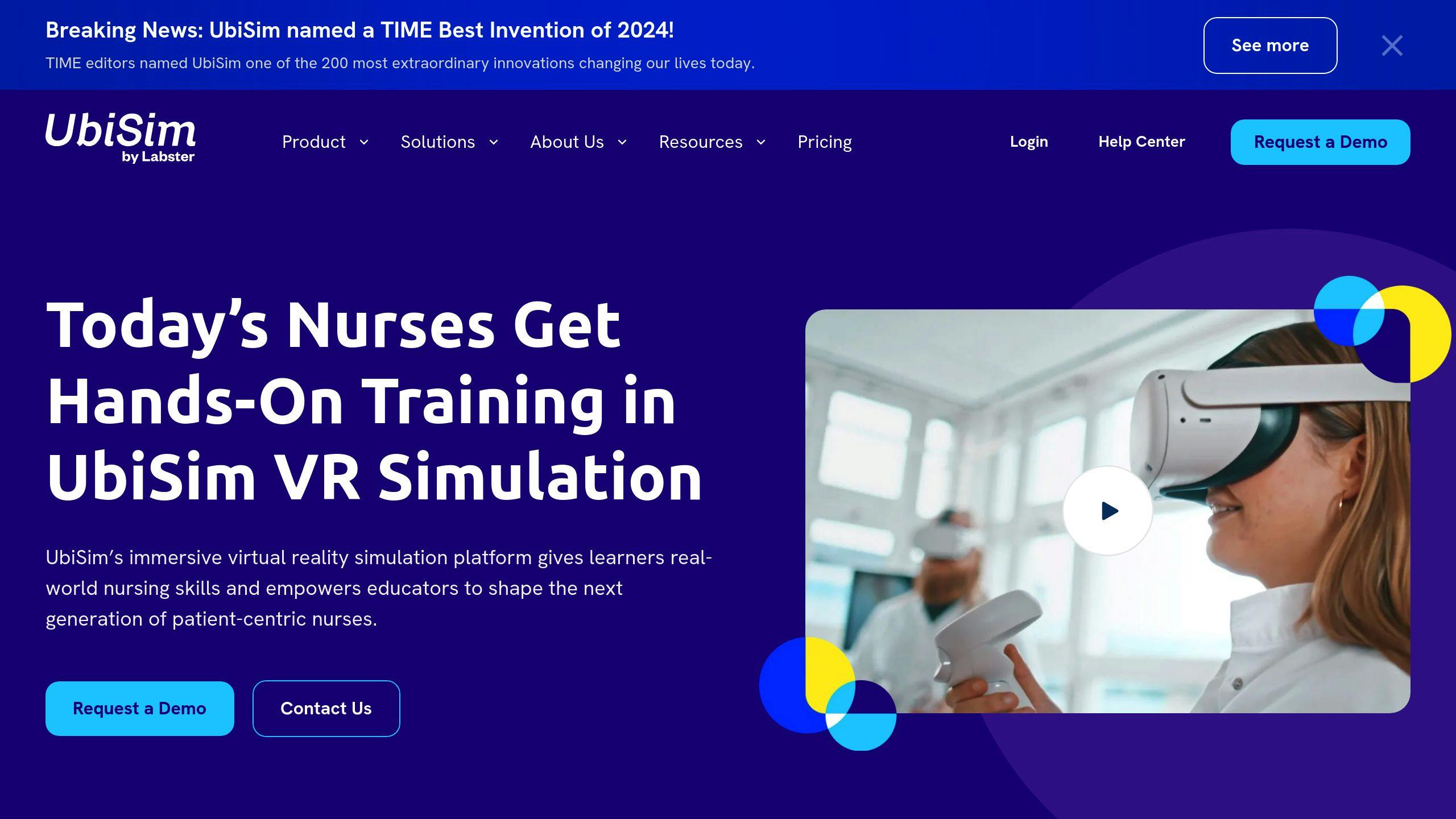
UbiSim uses virtual reality to place students in realistic clinical scenarios, helping them develop critical clinical judgment skills. This hands-on method aligns perfectly with the National Council of State Boards of Nursing Clinical Judgment Model, emphasizing decision-making and problem-solving in real-world settings.
Through these scenarios, students learn to identify patient cues, interpret clinical data, and make decisions under pressure. The simulations include authentic challenges and risks, making the learning experience both practical and engaging. One standout feature of UbiSim is its ability to let educators fully customize scenarios without needing external assistance, ensuring training aligns with specific learning goals.
Here’s how UbiSim enhances learning:
- Immersive scenarios: Students apply theoretical knowledge to realistic cases.
- Pressure-based decision making: Scenarios simulate the urgency of real-life clinical situations.
- Post-simulation debriefing: Students reflect on their performance and reinforce key concepts.
The platform’s debriefing tools provide students with detailed feedback, helping them understand their actions and the reasoning behind correct decisions. UbiSim’s VR environment allows learners to practice recognizing cues, analyzing data, and making decisions in a safe, interactive space where errors become valuable lessons.
While UbiSim shines in creating immersive VR learning experiences, the next platform takes a different approach, blending digital tools with traditional learning methods.
4. Nurse Cram NCLEX Exam Review
Nurse Cram takes NCLEX preparation to the next level by combining clinical scenarios and NGN-style questions into one platform. It’s designed to help students sharpen their clinical judgment and get ready for the exam with ease. What sets Nurse Cram apart is its mix of scenario-based learning, NGN question practice, and readiness exams – all in one place.
Here’s a quick look at its standout features:
| Feature | What It Does |
|---|---|
| Scenario-based Exercises | Mimics real-life cases to improve decision-making skills |
| Comprehensive Readiness Exams | Helps students get comfortable with the exam format |
| Detailed Rationales | Provides feedback to strengthen clinical reasoning |
| Practice Mode & Tutor Mode | Supports different learning preferences |
The platform’s clinical judgment framework aligns with the standards set by the National Council of State Boards of Nursing, ensuring students are prepared not just for the NGN exam but also for clinical decision-making in real-world settings. The feedback system goes a step further by explaining why answers are correct and pinpointing reasoning errors, helping students deepen their understanding.
Nurse Cram stays up-to-date with the latest exam standards through regular updates. Plus, its affordable subscription plans make it accessible to a wide range of learners. Its focus on critical thinking and structured preparation makes it a strong alternative to more traditional review methods.
Up next, we’ll explore a platform that blends hands-on clinical experiences with advanced digital tools to enhance learning.
sbb-itb-aa73634
5. Shadow Health Digital Clinical Experiences
Shadow Health Digital Clinical Experiences supports NGN requirements by offering patient scenarios that change over time, modeled on the NCSBN Clinical Judgment Measurement Model. These scenarios challenge students to adjust their care plans as patient conditions evolve, helping them sharpen their clinical judgment.
| Feature | Purpose |
|---|---|
| Dynamic patient scenarios | Matches student skill levels with realistic cases |
| Post-simulation feedback | Provides insights into decision-making and areas for growth |
| Performance tracking | Monitors progress and highlights improvement needs |
One of the platform’s standout features is its detailed feedback system. After each simulation, students get reports breaking down their critical decisions and timing. Faculty can also use built-in debriefing tools to guide discussions on clinical judgment.
Nursing programs benefit from Shadow Health’s flexibility. Educators can modify scenario complexity, align content with curriculum goals, and even design custom cases to reflect local healthcare challenges. Its combination of realistic patient interactions and structured assessments makes it a strong choice for NGN preparation.
The platform also prioritizes diversity, offering patient cases that reflect a wide range of demographics and health conditions.
While Shadow Health focuses on evolving scenarios, the next platform blends traditional methods with digital tools for a more balanced approach.
6. Kaplan NCLEX-RN Review
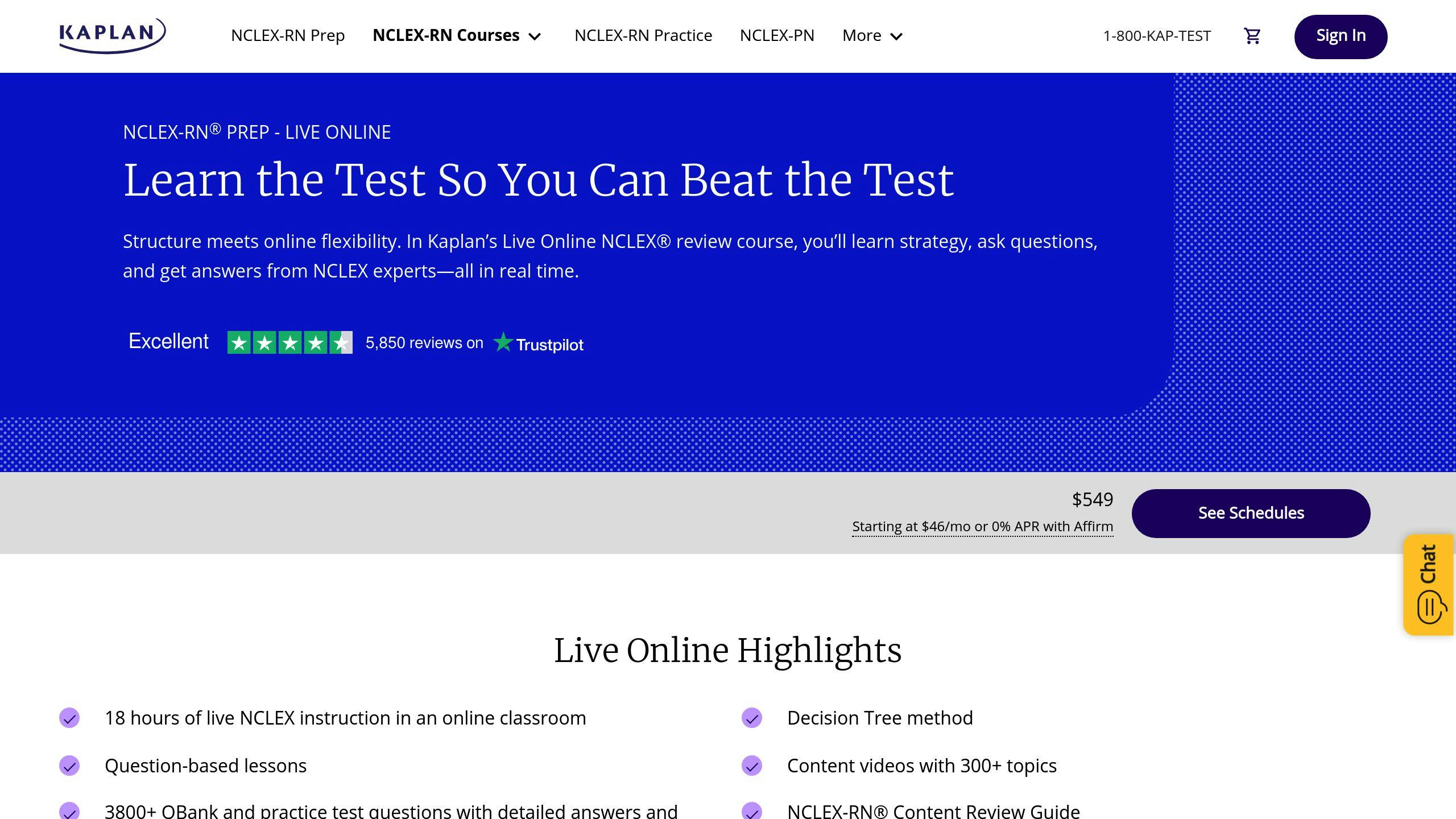
Kaplan NCLEX-RN Review provides a thorough preparation tool for the Next Generation NCLEX (NGN), featuring realistic clinical scenarios designed to mirror the exam format. This approach helps students prepare not only for the NGN exam but also for practical nursing situations.
The platform emphasizes clinical judgment through NGN-style questions, including branching decision paths and case studies. These simulations push students to evaluate conditions, prioritize care, and make evidence-based decisions on the spot.
| Feature | Details |
|---|---|
| Clinical Judgment Focus | Interactive scenarios with branching decision paths |
| Question Types | Includes matrix multiple response, case studies, and traditional formats |
| Customization Options | Educators can adjust question difficulty and focus on specific topics |
| Progress Tracking | Offers detailed analytics and performance metrics |
Educators have the flexibility to customize content to meet specific student needs, adjusting both the difficulty and focus areas. Kaplan also provides detailed performance analytics, helping both students and educators create targeted study plans. Readiness assessments pinpoint knowledge gaps, while answer rationales explain the reasoning behind correct choices, enhancing understanding of clinical concepts.
Kaplan shines in its analytics and focus on clinical judgment, but the next platform introduces a broader learning system with integrated NGN preparation tools.
7. Elsevier Evolve Learning System

The Elsevier Evolve Learning System offers interactive simulations and case studies designed to sharpen clinical judgment skills, aligning perfectly with NGN exam standards. It walks students through a clear process of recognizing cues, analyzing data, and making evidence-based decisions. Plus, it includes NGN-specific question formats like matrix questions and complex case studies.
| Feature | Description |
|---|---|
| Clinical Cases | Dynamic scenarios with branching outcomes |
| Question Types | Matrix questions, case studies, and NGN-specific formats |
| Customization | Tools for educators to create and edit scenarios |
| Learning Tools | Interactive simulations with step-by-step feedback |
| Progress Tracking | In-depth performance analytics and skill assessments |
What sets this platform apart is its flexibility – it works equally well for individual learning or classroom use. Educators can adjust scenarios to match their curriculum, while students can focus on areas where they need improvement. Regular updates, training materials, and dedicated support further enhance its utility.
Comparison Table
Below is a comparison of top virtual simulation tools designed to prepare students for NGN-style questions. These tools emphasize different aspects of clinical judgment and offer varied features, so it’s important to pick one that matches your learning needs.
| Tool Name | NGN Alignment | Clinical Judgment Focus | Clinical Cases | Customization Options | Key Features |
|---|---|---|---|---|---|
| vSim for Nursing | High | Evidence-based scenarios | Real-world cases with branching outcomes | Moderate | Built-in remediation tools |
| i-Human Patients | High | Diagnostic reasoning | Extensive case library | Limited | Patient assessment tools |
| UbiSim VR | High | Immersive clinical judgment | Unfolding case studies | High | VR-based scenarios with instant feedback |
| Nurse Cram | High | Targeted exercises | Scenario-based exercises | Moderate | Affordable and easy-to-access platform |
| Shadow Health | High | Digital clinical experiences | Interactive patient encounters | High | Adjustable difficulty settings |
| Kaplan NCLEX-RN | High | Decision-making frameworks | Question-focused scenarios | Limited | Advanced analytics for performance tracking |
| Elsevier Evolve | High | Step-by-step processes | Dynamic scenarios | High | Comprehensive tools for educators |
Each tool has its strengths, depending on what you’re looking for. For immersive, hands-on learning, UbiSim VR and vSim for Nursing stand out. If you need detailed feedback or affordability, Nurse Cram is a solid choice. Educators might lean toward Elsevier Evolve or Shadow Health for their customization options. Whether you want exam-specific prep or interactive clinical practice, there’s an option tailored to your goals.
Conclusion
Virtual simulation tools play a key role in preparing for the NGN, connecting theoretical knowledge with hands-on clinical skills in a safe, controlled setting. These tools have reshaped how nursing students sharpen critical thinking and clinical judgment – both essential for the Next Generation NCLEX.
What makes these tools stand out? They deliver realistic, research-backed scenarios that mimic real-world clinical situations. Platforms like UbiSim Virtual Reality and vSim for Nursing highlight how technology is shaping the future of nurse training [1][2].
When selecting a platform, focus on what fits your learning style and goals. Here are some important factors to keep in mind:
- Realistic scenarios: Tools like vSim for Nursing provide simulations crafted by experts to closely reflect real clinical challenges [1].
- Detailed feedback: Opt for platforms that offer in-depth feedback to pinpoint areas for improvement.
- NGN-focused features: Make sure the tool supports NGN-specific question types and clinical judgment models.
Check the comparison table above to find the platform that suits you best. With consistent practice and actionable feedback, these tools can help you feel confident tackling the NGN exam and excelling in clinical practice. They’re a solid step toward mastering the skills needed for today’s nursing challenges.
Related posts
- Step-by-Step Guide to Using Virtual Simulations for Clinical Judgment
- Top 5 Virtual Simulations for Clinical Judgment
- Real-Time Decision-Making: Key Skills for NGN NCLEX
- How Virtual Simulations Improve NCLEX Prep

Sophia is the compassionate and knowledgeable face of NurseCram.com. With a passion for helping nursing students excel, she serves as a supportive mentor, providing practical guidance and insights for mastering the NGN NCLEX exams. Her approachable dedication and dedication to education make her the perfect guide for future nurses striving to achieve their dreams. Sophia is here to simplify your learning journey and empower you to succeed!